
Elevate your work with Document3D, the ultimate tool for turning 3D CAD models into clear, impactful outputs that enhance every project. Designed for engineers, teams, and global leaders, Document3D empowers you to create vibrant illustrations, comprehensive guides, and interactive documents with seamless multilingual support—all tailored to your needs. Streamline workflows with versatile publishing options like images (PNG, JPEG), vector graphics (SVG), movies (AVI), interactive 3D PDFs, and HTML powered by Share3D technology, ensuring your content is accessible across devices. Create, collaborate, and communicate effortlessly—discover the power of our plans and unlock your free trial today!
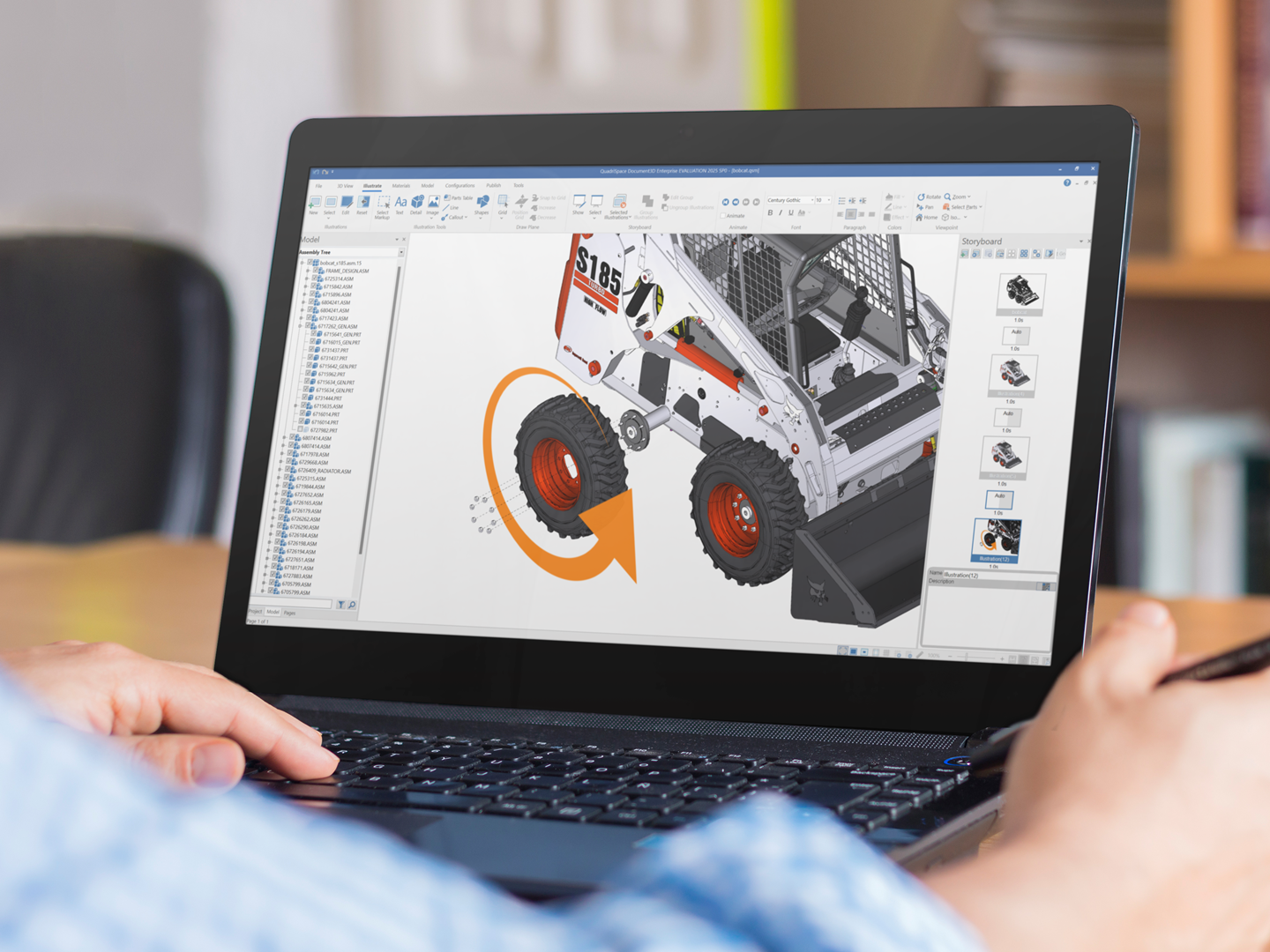
Why Choose Document3D
Effortless Creation
Produce a wide range of outputs—images, movies, interactive 3D PDFs, and HTML—in just a few clicks, with intuitive ease.
Engaging Interactivity
Enrich your content with 3D animations, clickable parts, and dynamic visuals that capture attention and clarify intent.
Universal Accessibility
Ensure seamless viewing across devices for effortless delivery to teams and clients.
Versatile Publishing Outputs
Generate images (PNG, JPEG), vector graphics (SVG), movies (AVI), interactive 3D PDFs, and HTML. HTML outputs leverage our Share3D technology for seamless browser-based interactivity.
Seamless Integration
Easily insert outputs like images, vectors, and movies into existing documents (e.g., Word, PDFs) or presentations (e.g., PowerPoint, Google Slides) to enhance your technical communication.
Smart Update Feature
Automatically update entire illustration sets or documents with a single click when 3D CAD designs change, saving time and ensuring accuracy.
Enhanced Import Support
Supports importing from SolidWorks, Creo, Inventor, Solid Edge, JT, STEP, and IGES, offering broad compatibility with leading CAD platforms.